Idea Lab
Welcome to the Idea Lab – your place to make and create!
Make your big idea a reality
The Idea Lab is your college makerspace. We run short workshops throughout the school year to teach things like 3D printing, scanning and circuitry from beginner to advanced users.
Idea Lab space and time is bookable and we encourage students (and staff!) to stop by and see what we have to offer.
You bring the creativity and the great ideas. Our staff will help you to turn your idea into a reality.
What is a makerspace?
Makerspace, hackerspace, whatever you choose to call it, is a place for exploration, design, experimentation and building. A place for testing, failing, refining, and learning.
Makerspaces are areas that encourage students to explore, design, experiment and build. You can take things apart, put things together and hack existing things into new and creative products.
The space has the tools you need for tech projects such as 3D printers, 3D scanners, a CNC laser cutter and electronics hobbyist stations.
To book the Idea Lab or printer time, email: research@cotr.bc.ca
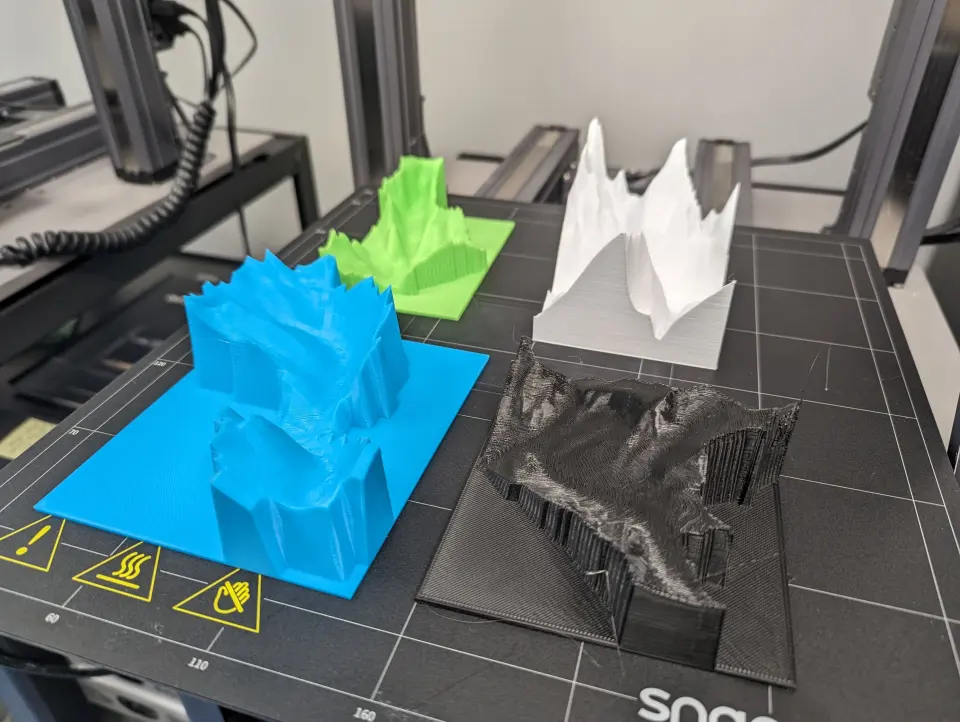
3D Printers
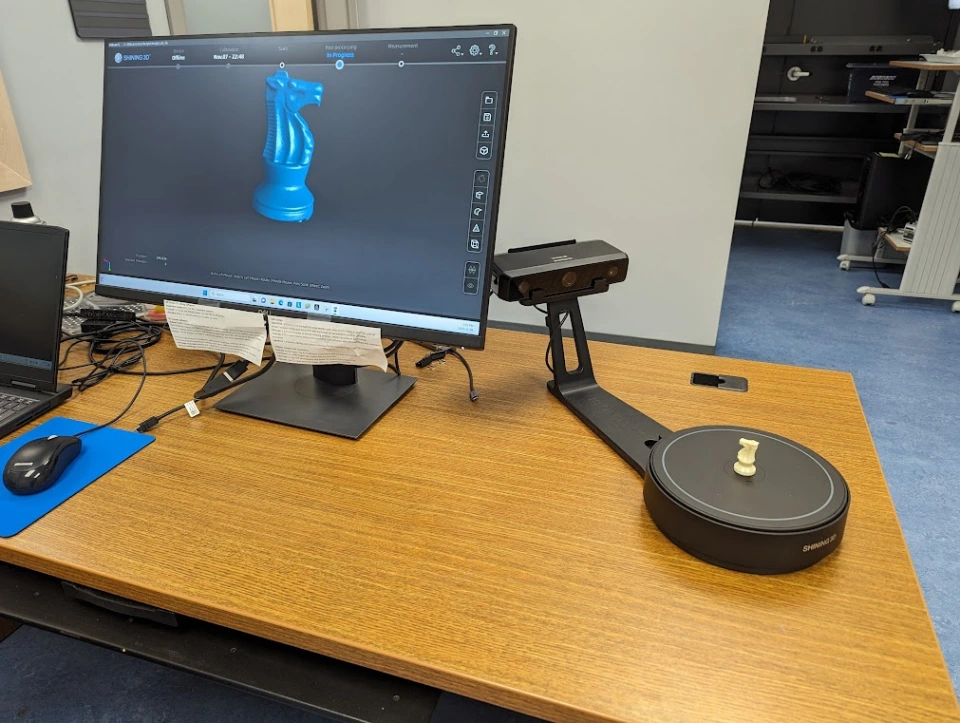
3D Scanners
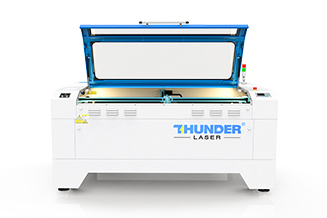
Laser Cutter
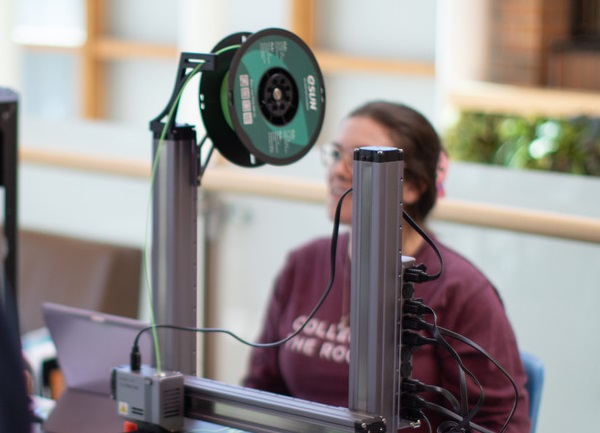
Documents & Resources
Upcoming Events
Events
-
-

Film & Discussion Series with Dr. Nicholas Kinar
College of The Rockies Cranbrook Campus 2700 College Way, Cranbrook, BC, CanadaJoin us for a film screening followed by a guided discussion with Dr. Nicholas Kinar, who will be offer a brief introduction to the film's themes and context. This is a great opportunity to engage with the material, share perspectives, and connect with the film to course concepts in a relaxed, thoughtful setting. All campus […]
-
Moodle Gradebook Essentials
Hybrid (KC110C & Online)The Moodle Gradebook for Student Success workshop introduces the essential settings for establishing a Gradebook that is accurate, effective, user-friendly for students and meets principles of Standardization and Simplification across College of the Rockies Moodle Gradebooks. To Register: Registration Form
-
-

Bongo (Video-Based Assessment) Design Sprint
KC 151/152This full-day, hands-on session explores how video-based assessment and video conferencing with Bongo can support performance-based learning activities within Moodle. Bongo enables instructors to design individual, group, structured Q&A, and interactive video assignments, along with flexible evaluation approaches such as instructor grading, peer review, and self-assessment. During this design sprint, participants will explore the platform and begin […]